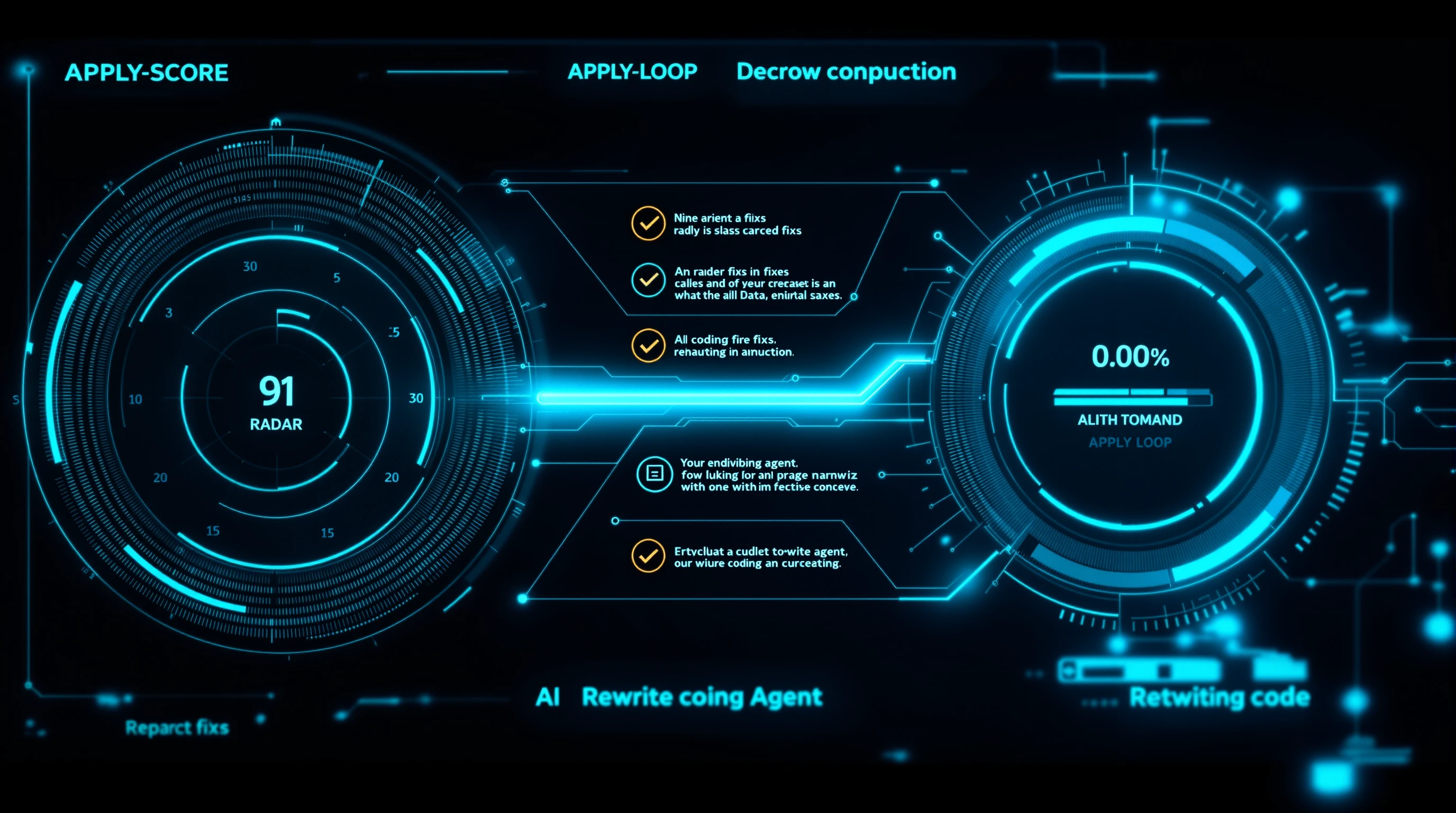
The AEO apply loop is a workflow where an AEO tool scores a page, hands your AI coding agent the fix-list over MCP (Model Context Protocol), and the agent applies the changes in your editor — then you re-score to confirm the lift. Unlike monitoring tools that give your agent a dashboard to read, AEOCrawler gives it a fix-list to act on.
That one difference — a fix-list instead of a dashboard — is the whole point of this article. It is the gap between knowing your AI-search visibility is low and actually fixing it inside the tools you already use to build your site.
What the AEO apply loop is
Answer Engine Optimization (AEO) is the practice of structuring content so AI search engines — ChatGPT, Perplexity, Google AI Overviews, Claude — can read it, trust it, and cite it. The apply loop is the fastest way to act on that.
The loop has three steps. First, you score a page against AEOCrawler's nine citability dimensions. Second, your AI agent reads the prioritized fix-list over MCP and applies the changes in your code editor. Third, you re-score the page to confirm the score moved. Score, apply, re-score. That is the loop.
It runs where you already work — Claude Code, Cursor, or Claude Desktop — so optimizing a page never means copying recommendations out of a dashboard by hand.
Read a dashboard vs. act on a fix-list
Having an MCP server is not the differentiator anymore. Peec, Bourd and Finseo all ship MCP servers too. What matters is what flows through the pipe.
Monitoring tools connect your agent to a dashboard to read: share-of-voice charts, sub-query mentions, sentiment trends. That data answers "where do I stand?" — but your agent cannot act on a trend line. AEOCrawler connects your agent to a fix-list to act on: a scored page plus normalized, prioritized recommendations your agent can apply directly.

This is the proactive side of the AEO market. We cover the full split in proactive vs reactive AEO. The short version is in the table below.
| Monitoring tools | AEOCrawler apply loop | |
|---|---|---|
| What flows over MCP | A dashboard to read | A fix-list to act on |
| Core question | "Where do I stand?" | "What do I change, and did it work?" |
| Timing | After publishing | Before and after publishing |
| Agent's job | Summarize the data | Apply the changes |
| Output | Charts and share-of-voice | Scored page + prioritized fixes |
Both have a place. But only one of them moves the score.
How it works — the 5 MCP tools
When you connect AEOCrawler to your agent, it gains five tools. Each is authenticated with your API key (X-API-Key), and ownership is enforced — your agent only ever sees your own analyses.
aeo_analyze— run a scan on a URL. Choose the depth:rule(instant, rule-based),light(4 AI agents), orfull(all 7 agents — entity graph, citation probability, query gaps).aeo_get_analysis— fetch a stored analysis as a ready-to-apply Markdown brief: the score plus each recommendation written as a concrete task.aeo_list_recent— list your recent analyses so the agent can pick one to act on.aeo_list_crawls— list site-wide crawls.aeo_get_crawl— pull a full crawl's page-by-page results.
The important one is aeo_get_analysis. It does not return a chart. It returns a task list your agent can execute line by line.
The round-trip: score, apply, re-score
Here is the loop in practice. You ask your agent to analyze a page. It calls aeo_analyze and gets back a low score — say the page has no FAQ schema, buries its answer below a slogan, and has thin structured data.
You then ask the agent to apply the fixes. It reads the brief from aeo_get_analysis and edits your page in your editor: it adds a direct-answer block to the top, writes FAQPage schema, and tightens the headings into questions. You review the diff. When you re-run aeo_analyze, you will see the score move.
We deliberately do not quote a fixed "before and after" number here, because the lift depends on your page. The point is that the loop closes: you can see the delta, in your editor, in one session.

Connect it — works today
There are several ways to put the same fix-list in front of your agent. MCP is the truest connection, but all of these carry the identical recommendations.
- Download (live now): grab the server at
https://aeocrawler.com/downloads/aeocrawler-mcp.zipand point your client at it. - One-liner (cleanest): add it to Claude Code with a single command:
claude mcp add aeocrawler --env AEOCRAWLER_API_KEY=your_key -- npx -y aeocrawler-mcp
- Copy-paste or pull: copy the analysis as a Markdown prompt, download it as an
.mdfile, or pull it programmatically fromGET /api/v1/analysis/{id}.md.
It works with Claude Code, Cursor, and Claude Desktop. Your API key lives under Settings → API Keys, where the in-app guide walks through setup step by step.
You stay in the loop
The agent applies edits in your editor, not on your live site. It never touches your production website on its own. You review every diff and decide what ships.
This human-in-the-loop framing is not a limitation we apologize for — it is the design. AEO changes touch your most important pages. The apply loop makes the edits fast to produce and easy to review, but the decision to publish stays yours.
Where it fits your AEO stack
The apply loop is the action layer. It sits on top of two things.
Underneath it is the scoring engine — the nine dimensions that decide whether a page is citable. If you want to understand what your agent is actually optimizing for, read the AEO scoring framework. It explains each dimension and its weight, from direct-answer quality to structured data to content freshness.
Around it is the broader shift from chasing rankings to earning citations. If you are new to that shift, start with AEO vs SEO. And if you are weighing AEOCrawler against a monitoring-first tool, the AEOCrawler vs Peec AI comparison lays out the dashboard-vs-fix-list distinction in detail.
Limitations and honesty
A few things to be clear about, because over-claiming is its own kind of bad AEO.
Scoring is heuristic and model-assisted. It predicts citability — how likely an AI engine is to read and cite a page — based on the structural and semantic signals those engines rely on. It does not promise citations, and it cannot, because no tool controls what a model outputs.
The apply loop (Direct AI and MCP access) is an Apex-plan feature. The nine-dimension scorer itself is free to use. And each scan analyzes a single page, so a full-site pass means scanning the pages that matter most.
Frequently Asked Questions
What is the AEO apply loop?
The AEO apply loop is a workflow where an AEO tool scores a page, hands your AI agent the fix-list over MCP, and the agent applies the changes in your editor. You then re-score the page to confirm the score moved. Score, apply, re-score.
Is AEOCrawler the first AEO MCP server?
No. Peec, Bourd and Finseo also offer MCP servers. The difference is what flows through the connection: AEOCrawler sends a fix-list your agent applies, not a dashboard it reads. The fix-list is the differentiator, not the MCP server itself.
Which AI assistants does it work with?
It works with Claude Code, Cursor and Claude Desktop over MCP (Model Context Protocol). You authenticate with your AEOCrawler API key, and your agent gains five tools for scoring pages and pulling the fix-list as a task brief.
Does the AI change my live website?
No. The agent applies changes in your code editor for you to review and ship. It never edits your production site on its own. You stay in control of exactly what goes live and when.
How do I connect AEOCrawler to my AI agent?
Download the MCP server from aeocrawler.com, or use the claude mcp add … npx -y aeocrawler-mcp one-liner with your API key. Full setup lives in Settings → API Keys, with a step-by-step guide for each supported client.
Is the AEO apply loop free?
The nine-dimension AEO scorer is free to use on any page. The apply loop — Direct AI and MCP access, where your agent reads and applies the fix-list — is part of the Apex plan.
Score your page, then close the loop
Start with a free scan: score any page against the nine citability dimensions and see exactly where it stands. Then, on Apex, connect the apply loop so your AI agent reads the fix-list and applies the changes — in your editor, under your review. Stop reading dashboards about your AI visibility. Start fixing it.